
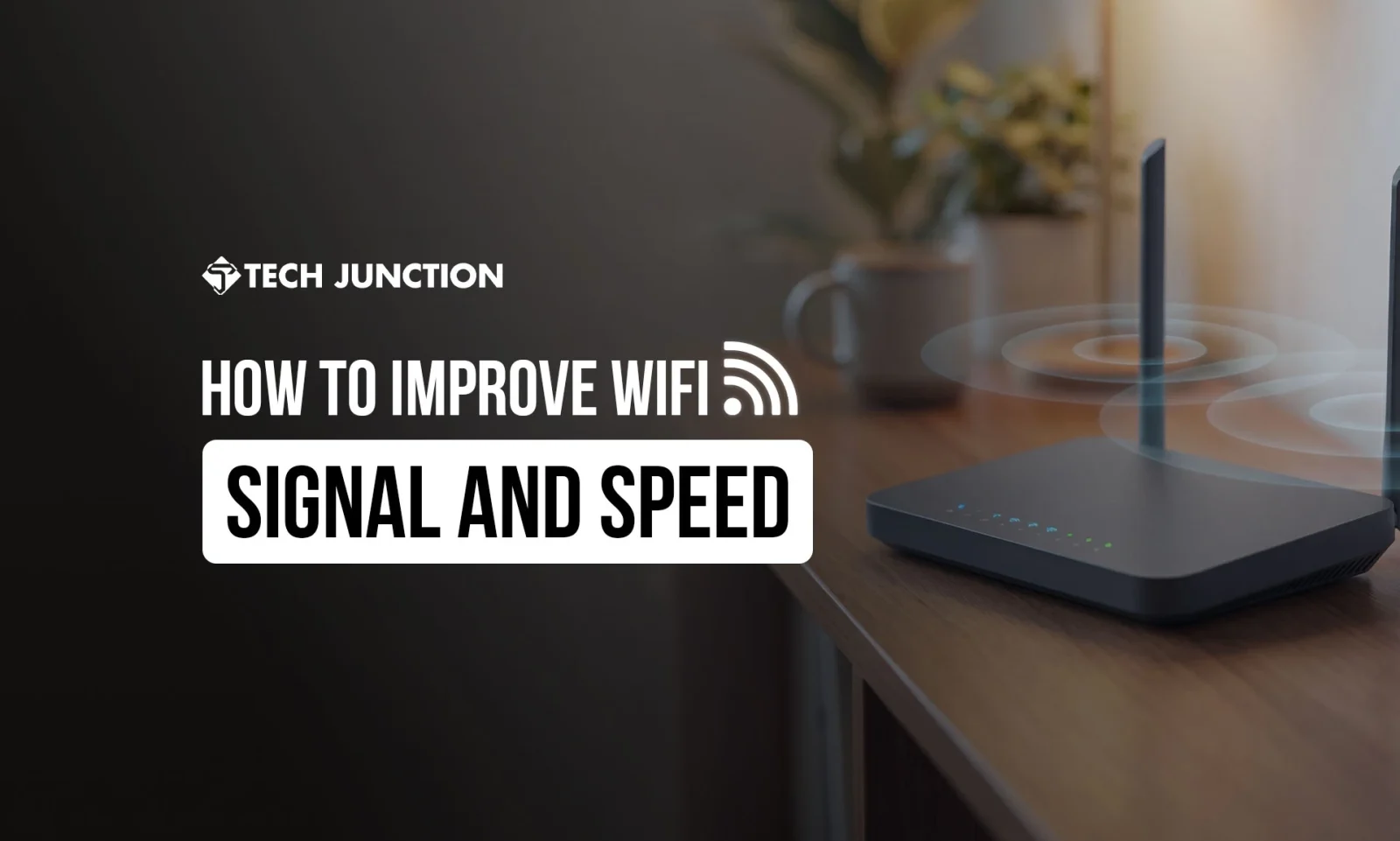
Buffering videos and WiFi dead zones testing your patience? You’re not alone. About 70% of people experience WiFi connection issues at home. The good news: you can fix most WiFi problems yourself. This guide will show you how to improve WiFi signal and speed with simple, proven tips for a stronger connection.
Optimize Router Placement for a Stronger WiFi Signal
Router location makes a big difference. Don’t hide your router in a closet or corner. Walls and floors weaken the signal. Place your router centrally and elevated – on a shelf or table, not on the floor. Keep it out in the open and away from thick walls. A properly placed router can boost signal strength by up to 50%. In fact, Consumer Reports experts suggest keeping the router as centrally located as possible on your main floor for best coverage. By simply moving your router to an optimal spot, you’ll immediately notice a stronger WiFi signal in more areas of your home.
Use Accessories to Improve WiFi Coverage
If your home has WiFi dead spots, consider accessories to improve WiFi signal range. A WiFi range extender (repeater) can amplify WiFi signal in a weak area. It plugs into an outlet halfway between your router and the dead zone and rebroadcasts the signal. Extenders are relatively inexpensive and easy to use. However, they may reduce speed if not placed well. For broader coverage, you might invest in a mesh WiFi system. Mesh systems use multiple router nodes to extend WiFi range seamlessly across your home.
In a recent survey, 28% of people believed that upgrading to a new router or mesh system would improve their internet experience. These WiFi-maximizing router solutions make sure you have a stronger coverage without the signal drop-offs you get in far rooms. Choose the option that fits your budget and needs to improve WiFi reception in every corner.
Upgrade to a WiFi Maximizing Router or Antenna
Outdated routers can hold your network back. Upgrading to a modern router (for example, a WiFi 6 or WiFi 6E model) can increase router signal strength and speed. Newer routers have better antennas and technology to handle many devices at once. They also support dual-band or tri-band frequencies, which helps with wireless signal enhancement by reducing congestion.
If you have an older router, consider replacing it with a WiFi maximizing router that offers wider coverage or supports mesh networking. Even simply replacing or upgrading the router’s antenna can help. High-gain external antennas focus the signal and can be an accessory to improve WiFi range if your router has detachable antennas. Many users find that investing in a quality router pays off with faster, stronger WiFi throughout the house.
Change Settings to Amplify WiFi Signal
Tweak your router’s settings to get the most out of it. Log in to your router’s admin panel (usually via a web browser) and check for a transmit power setting, and make sure it is at maximum to amplify WiFi signal output. Next, pick the best WiFi channel. Routers can broadcast on different channels, especially on the 2.4 GHz band. If neighbors are on the same channel, signals can clash.
Use your router’s interface to switch to a less crowded channel (common non-overlapping channels are 1, 6, or 11 on 2.4 GHz). Also, consider enabling Quality of Service (QoS) if available – this lets you prioritize important traffic (like video calls or gaming) for more stable speeds. Updating your router’s firmware is another smart step. Manufacturers release updates that often improve performance and security.
These small software upgrades can lead to increasing WiFi signal strength and reliability over time. By fine-tuning settings and keeping software current, you achieve easy wireless signal enhancement without extra cost.
Read More: Starlink Internet Review
Reduce Interference for Better WiFi Reception
Household electronics can wreak havoc on WiFi signals. Minimize wireless interference to improve WiFi reception. Keep your router away from devices that emit signals or electrical noise.
For example, halogen lamps, dimmer switches, speakers, TVs, monitors, cordless phones, and microwaves can all affect your router. Even fairy lights or baby monitors can interfere. Place the router in a spot with as few electronics around it as possible. Additionally, WiFi operates on radio frequencies that can be disrupted by heavy walls (concrete, brick) and metal objects.
If you have a large home or dense walls, using the 2.4 GHz band for longer range helps (it penetrates walls better than 5 GHz, though 5 GHz is faster at short range). By reducing sources of interference and choosing the right frequency band, you’ll get a cleaner, stronger WiFi signal with less fluctuation.
Best Ways to Extend WiFi Range and Boost Speed
Sometimes one router isn’t enough for a big area. To get whole-home coverage, use multiple methods together. We’ve mentioned mesh networking – that’s often the best way to boost WiFi signal across a large home. You can also repurpose an old router as an extra access point: connect it via Ethernet in another part of the house to broadcast WiFi there (using a different channel to avoid interference).
Powerline adapters are another clever option: they send internet data through your home’s electrical wiring to reach far rooms. This can effectively extend coverage without relying purely on wireless signal. And don’t forget the basics: even increasing WiFi signal strength can be as simple as adjusting your router’s antennas (if external). Point one antenna vertically and another horizontally to cover different planes; small tweaks can help improve WiFi signal in multi-story homes.
Finally, make sure that your WiFi network is secure – neighbors “borrowing” your WiFi will slow you down. Use a strong password and WPA2/WPA3 encryption to keep outsiders off your network. By combining these ways to extend WiFi range with good security and modern equipment, you’ll enjoy faster, more reliable internet everywhere you need it.
How to Actually Boost Your WiFi Signal (Quick Recap)
How to actually boost your WiFi signal? It comes down to a few key steps.
First, place your router optimally – a central, high location can dramatically improve signal and speed.
Next, upgrade or add hardware if needed: a better router or a range extender/mesh system can cover weak spots. Don’t forget to update settings – use the best channel, update firmware, and turn off devices hogging bandwidth when not needed.
Finally, limit interference by keeping the router away from signal-noisy electronics and using wired connections for devices that need absolute speed. Even plugging your TV or PC directly into the router with an Ethernet cable can free up wireless capacity for other devices. There is no single magic trick, but the best way to boost WiFi signal is to apply multiple tips together. With a bit of effort, you can turn a spotty network into a fast, stronger WiFi signal that covers your whole home.
Conclusion
A fast, reliable internet connection is within your reach. By following these steps on how to improve WiFi signal and speed, you’ll maximize your current setup’s potential. No more endless buffering or WiFi dead zones, just seamless browsing, streaming, and working. Remember, even small tweaks can make a big difference in your daily connectivity. Start with the easy fixes and enjoy the benefit of a stronger, faster WiFi network in every room.
Stay connected, and happy browsing!
FAQs: How to Improve WiFi Signal
1. Why is my WiFi signal weak in certain rooms?
Walls, distance from the router, and interference from other devices can significantly reduce the strength of the WiFi signal.
2. Does restarting the router actually improve WiFi speed?
Yes, restarting clears temporary issues and reconnects your router to the best available channel.
3. Where should I place my router for better WiFi coverage?
Place the router in a central, elevated, and open location, away from walls and sources of electronic interference.
4. Do WiFi extenders really improve signal and speed?
WiFi extenders can improve coverage but may reduce overall speed if not placed correctly.
5. When should I upgrade my router to get faster WiFi?
- If your router is more than four to five years old, upgrading can noticeably improve speed and stability.
The Tech Junction is the ultimate hub for all things technology. Whether you’re a tech enthusiast or simply curious about the ever-evolving world of technology, this is your go-to portal.